


USER GUIDE
View Personal Digital Certificates
After logging in to GoPaperless Agent, the system will automatically download the digital certificates from the server into the Windows Keystore to perform digital signing. Users can view and refresh the certificate list when needed.
Users need to log in to GoPaperless Agent, then open the application from the System Tray by clicking the GoPaperless Agent icon and selecting the GoPaperless Agent menu.
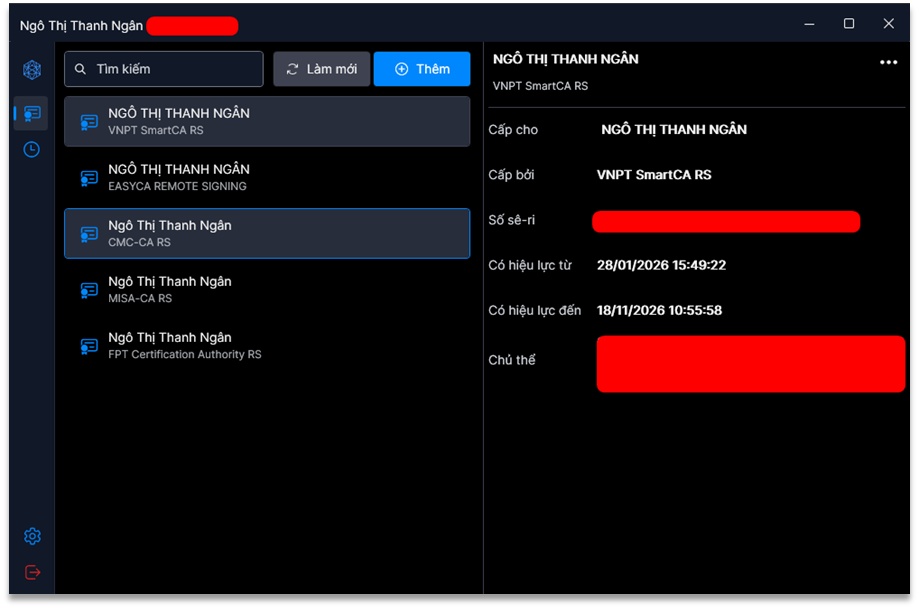
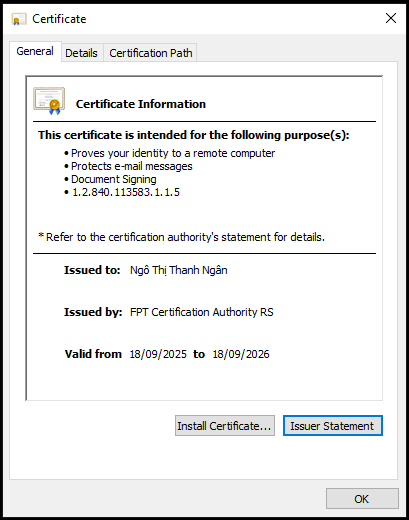
Double-click any digital certificate to view its details. GoPaperless Agent uses the default Windows certificate viewer to display detailed certificate information.
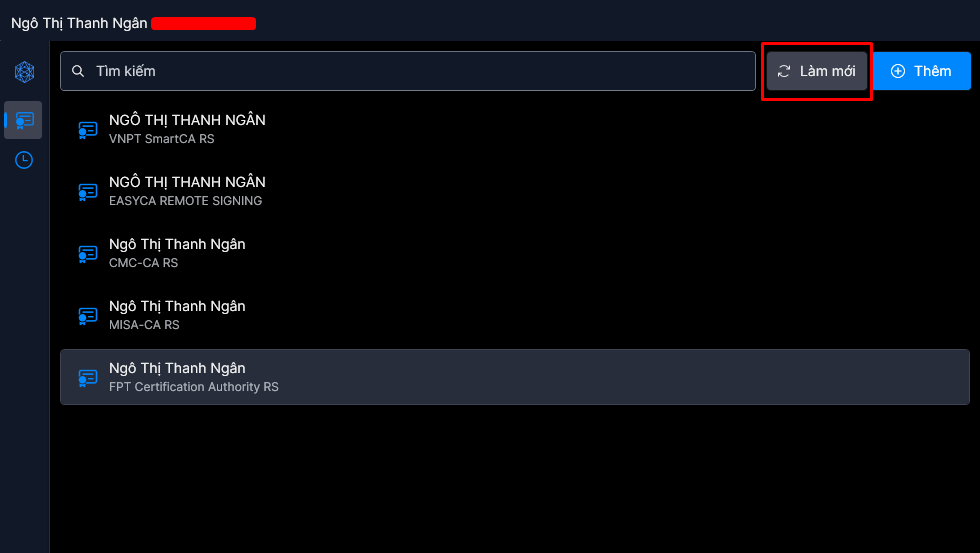
Click Refresh to download new digital certificates from the server.
PreviousLogin to GoPaperless Agent
NextMessageBox Service