


USER GUIDE
Signature Authentication via VNeID
The VNeID signature authentication feature allows you to digitally sign documents using electronic identity verification.
The process is as follows:
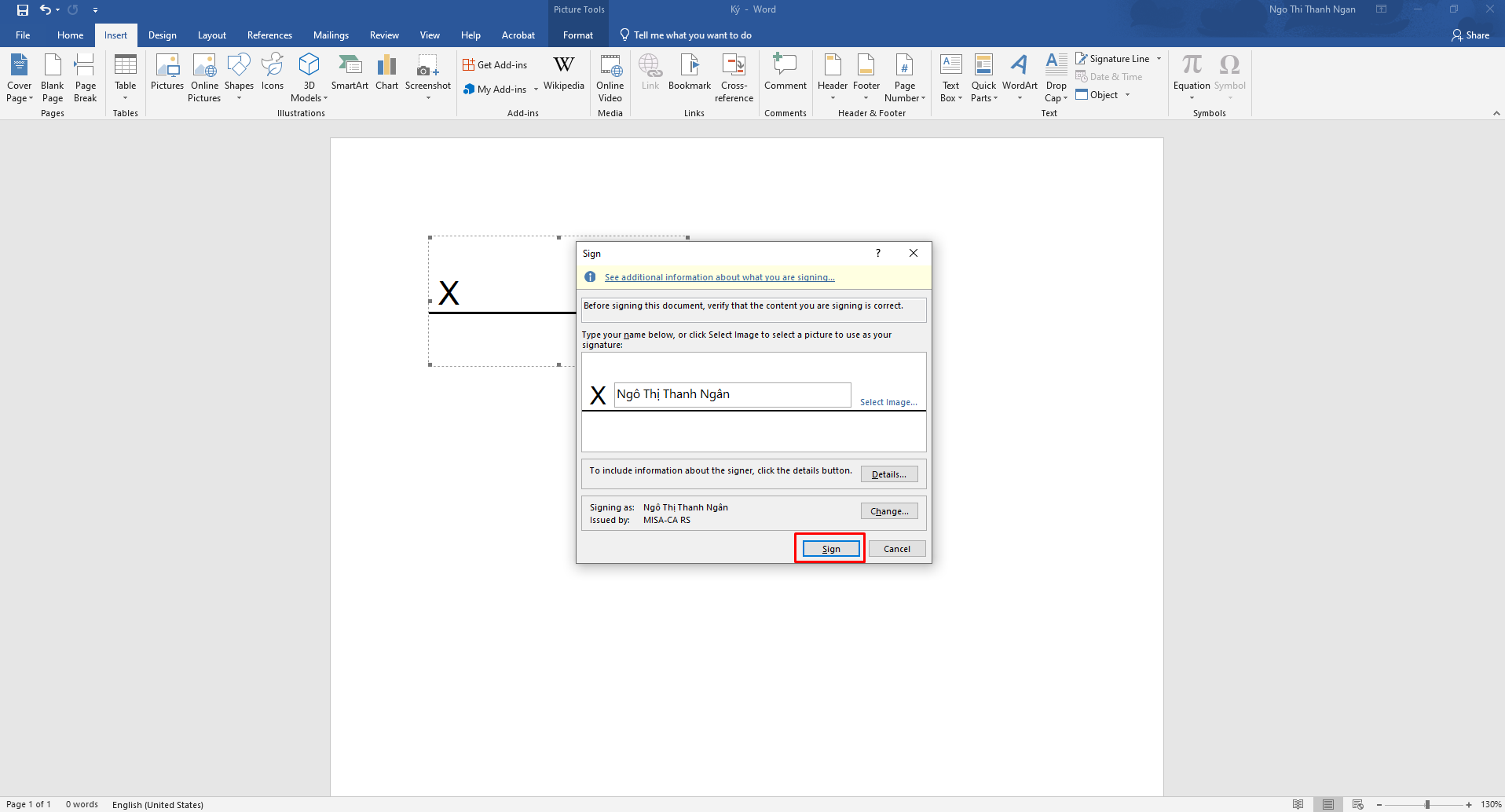
Initialize the signature position and configure the signature display content on the document.
Click Sign to start the authentication process.
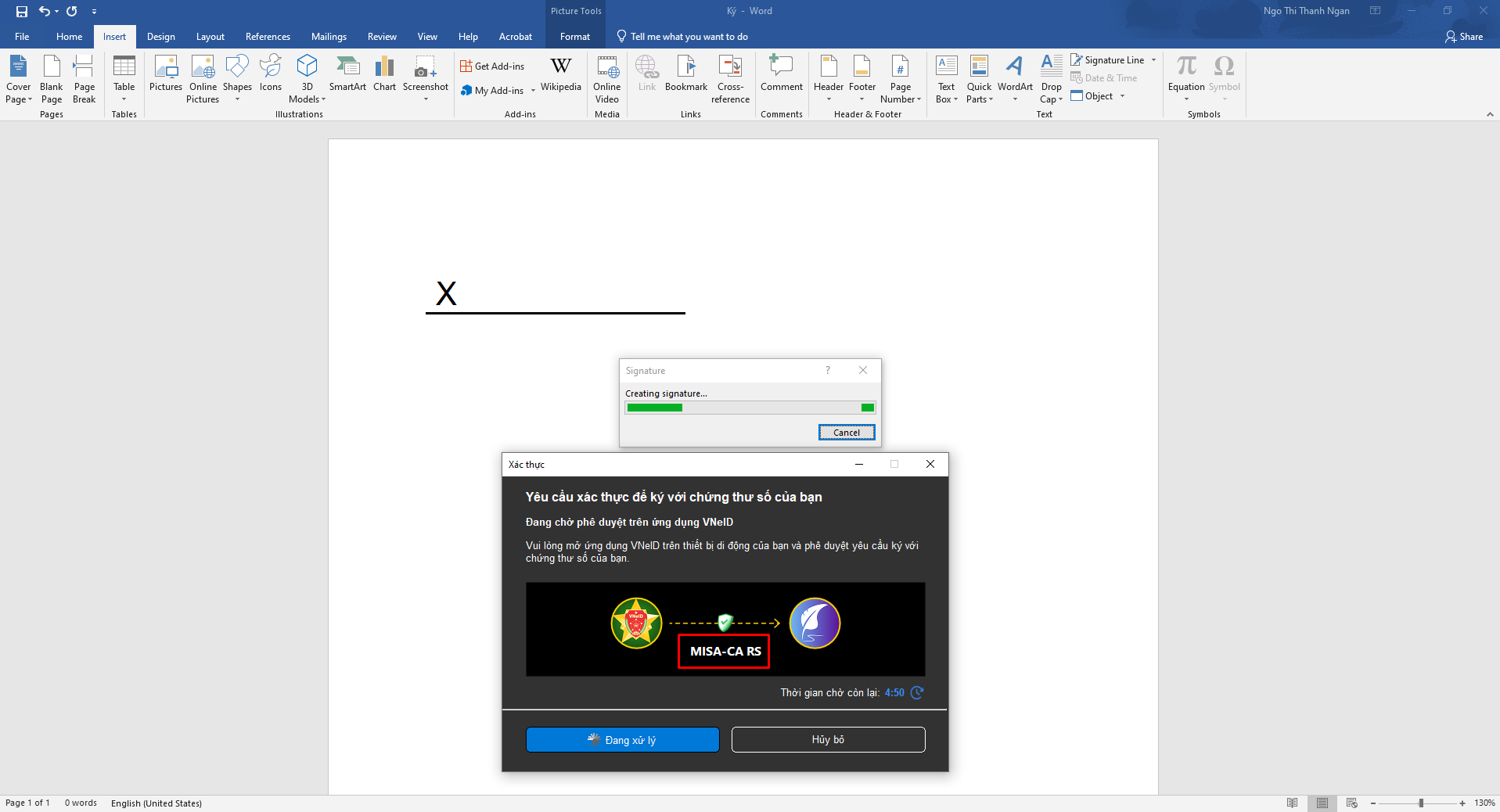
The system will display a “Waiting for Signature” window and simultaneously send a digital signing confirmation request to the VNeID application on your device.
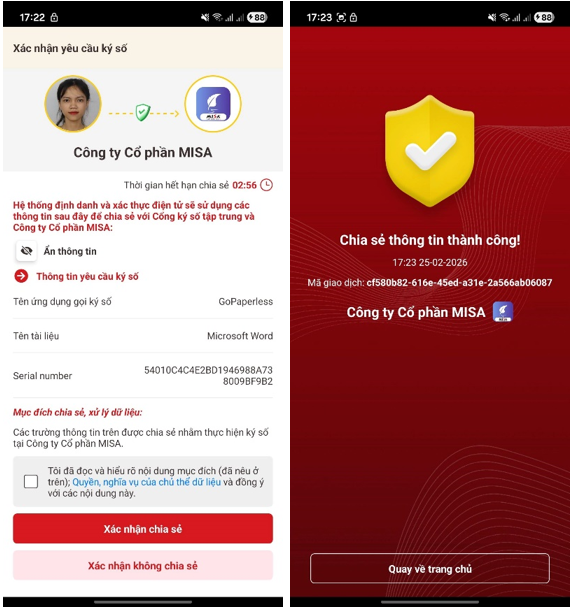
Complete the verification on the VNeID application as instructed (for example: biometric authentication or PIN code).
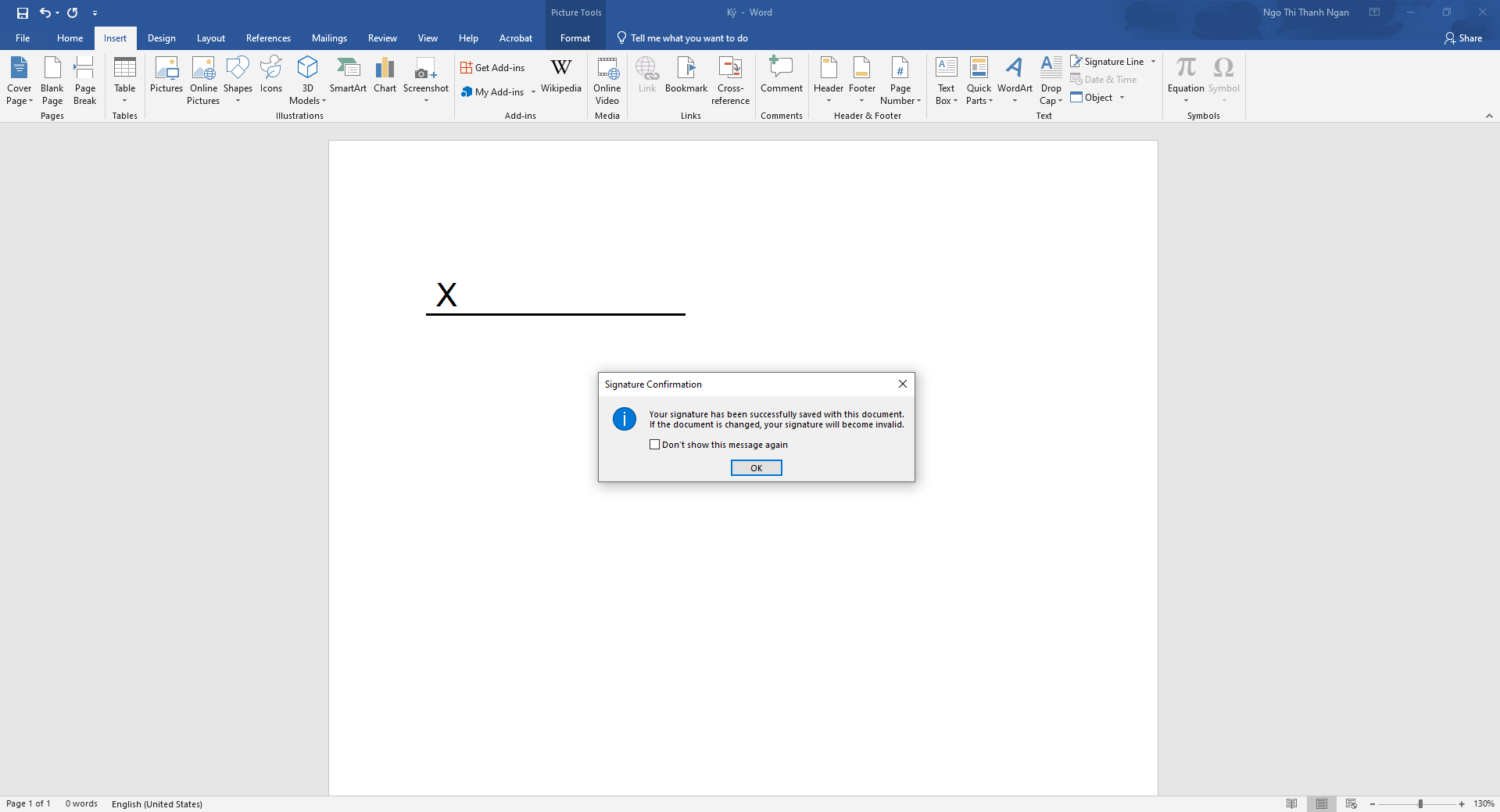
After successful verification, the digital signature will be applied to the document and the signing process will be completed.
This feature ensures legal validity, security, and accurate identity verification of the signer.