


Installation Guide
System Requirements:
- Operating System: Windows 8 or later (Windows 8/10/11, 32-bit and 64-bit supported) or macOS 10.15 or later
- Software installation permission (Administrator)
- Stable Internet connection
Download and Installation Steps:
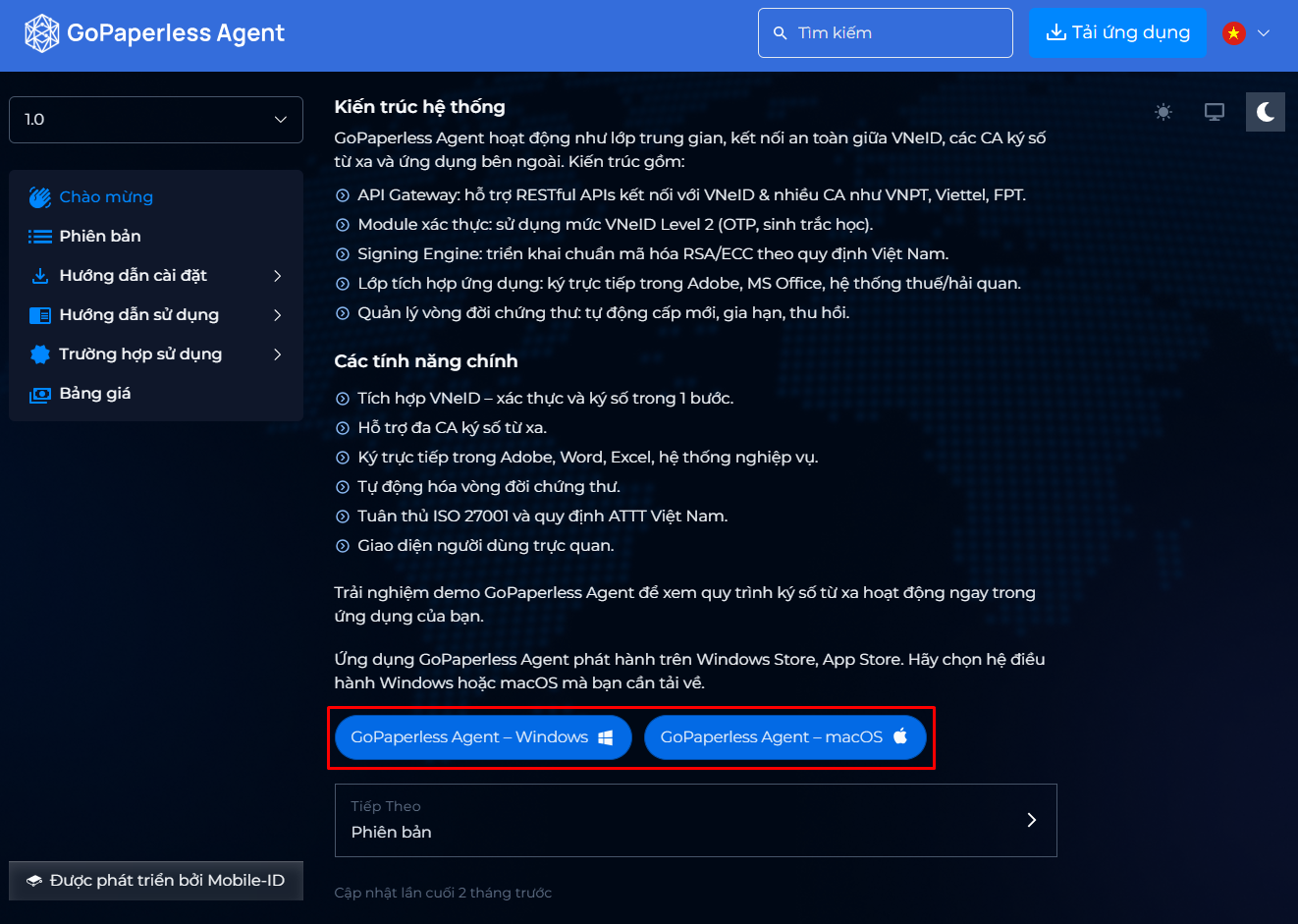
Step 1: Access the installation link: https://agent.quantera.vn/
Step 2: On the installation page, select the appropriate version for your operating system:
- GoPaperless Agent – Windows (for Windows 8 or later)
- GoPaperless Agent – macOS (for macOS 10.15 or later)
Step 3: Click the corresponding version to download the installation file to your computer. The installation file will be saved in your device's default download folder.
PreviousVersion
NextInstall GoPaperless Agent