INSTALLATION GUIDE
Install GoPaperless Agent
Step 1: Open the folder containing the downloaded installation file on your computer.
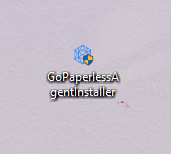
Step 2: Double-click the file GoPaperlessAgentInstaller.exe to begin the installation process.
Step 3: When the system displays a security notification (User Account Control), select Yes to allow the application to proceed with the installation.
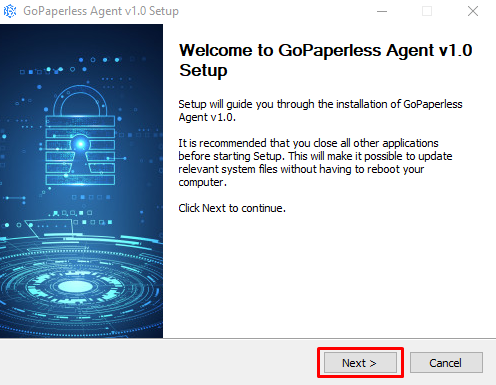
Step 4: The system will display a welcome screen with installation instructions. Click the Next > button to continue the installation process.
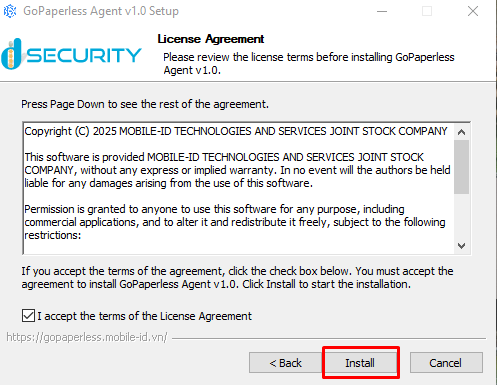
Step 5: Read the License Agreement carefully. Check the box ☑ I accept the terms of the License Agreement.
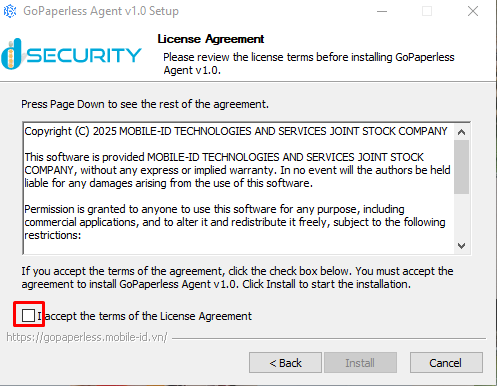
Step 6: Click the Install button to continue.
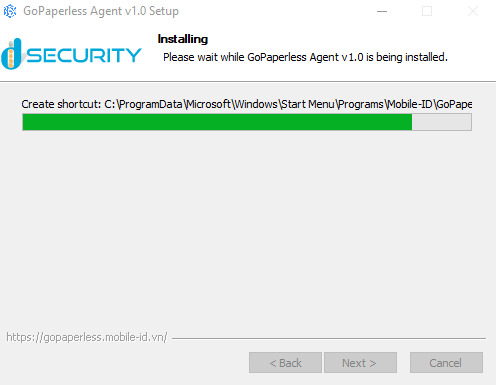
Please ensure the following:
- Wait until the installation process is fully completed.
- Do not close the installation window during this process.
- Do not shut down or restart your computer before the installation is complete.
- If the installation process is interrupted, please restart the installation from the beginning.
- If an error occurs, check your Administrator permissions or restart your computer and try again.
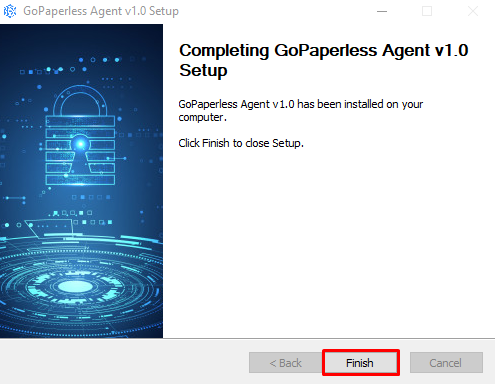
Step 7: Click the Finish button to complete the installation process. After clicking Finish, the system will automatically launch the GoPaperless Agent application.
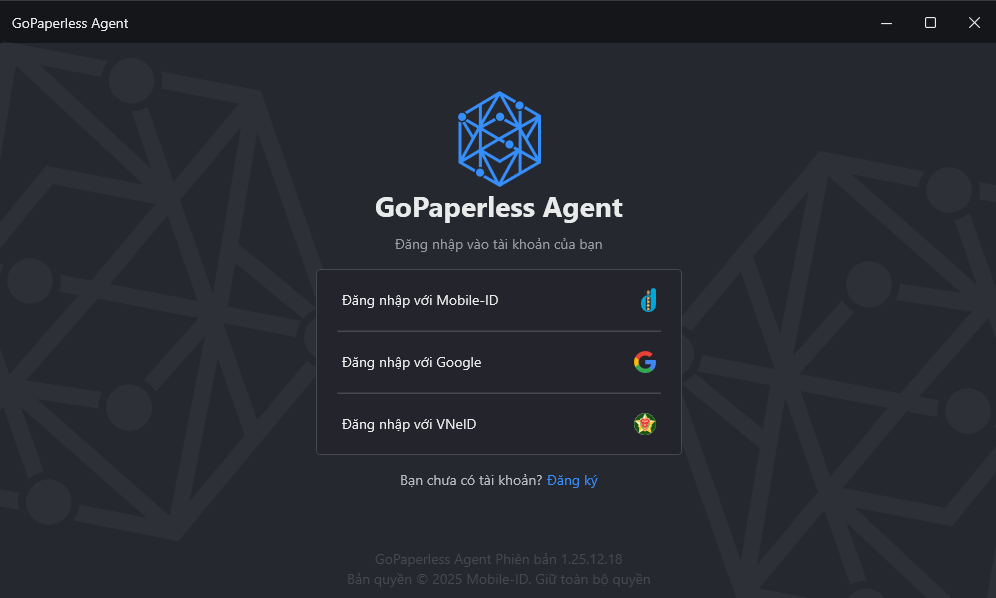
The interface after successful installation will be displayed as shown in the image below.