


USE CASES
Sign with Foxit Reader
Step 1: Open the PDF file
- Open Foxit Reader.
- Open the file to sign.
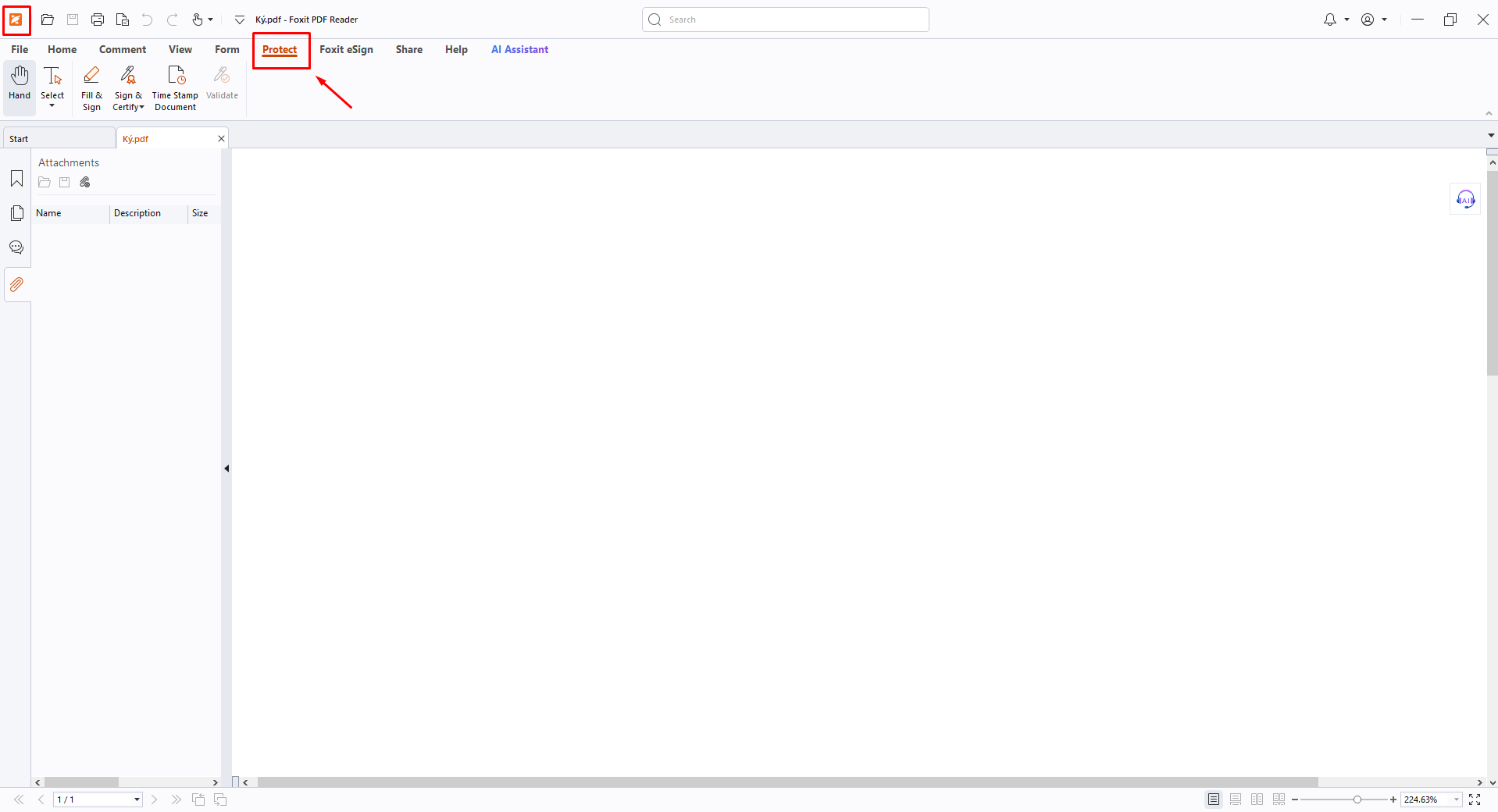
Step 2: Select Protect.
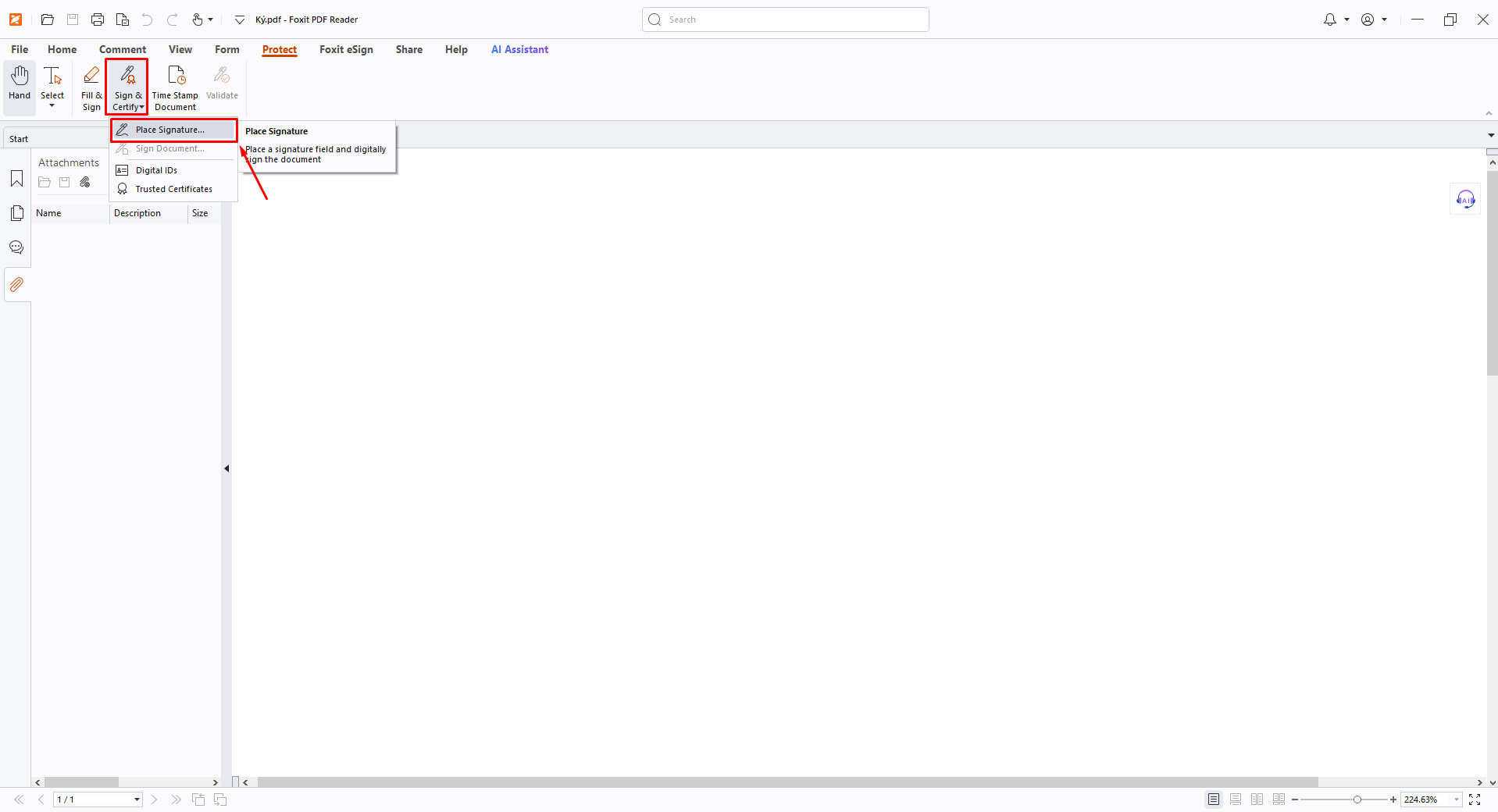
Step 3: Select Sign & Certify → Place Signature.
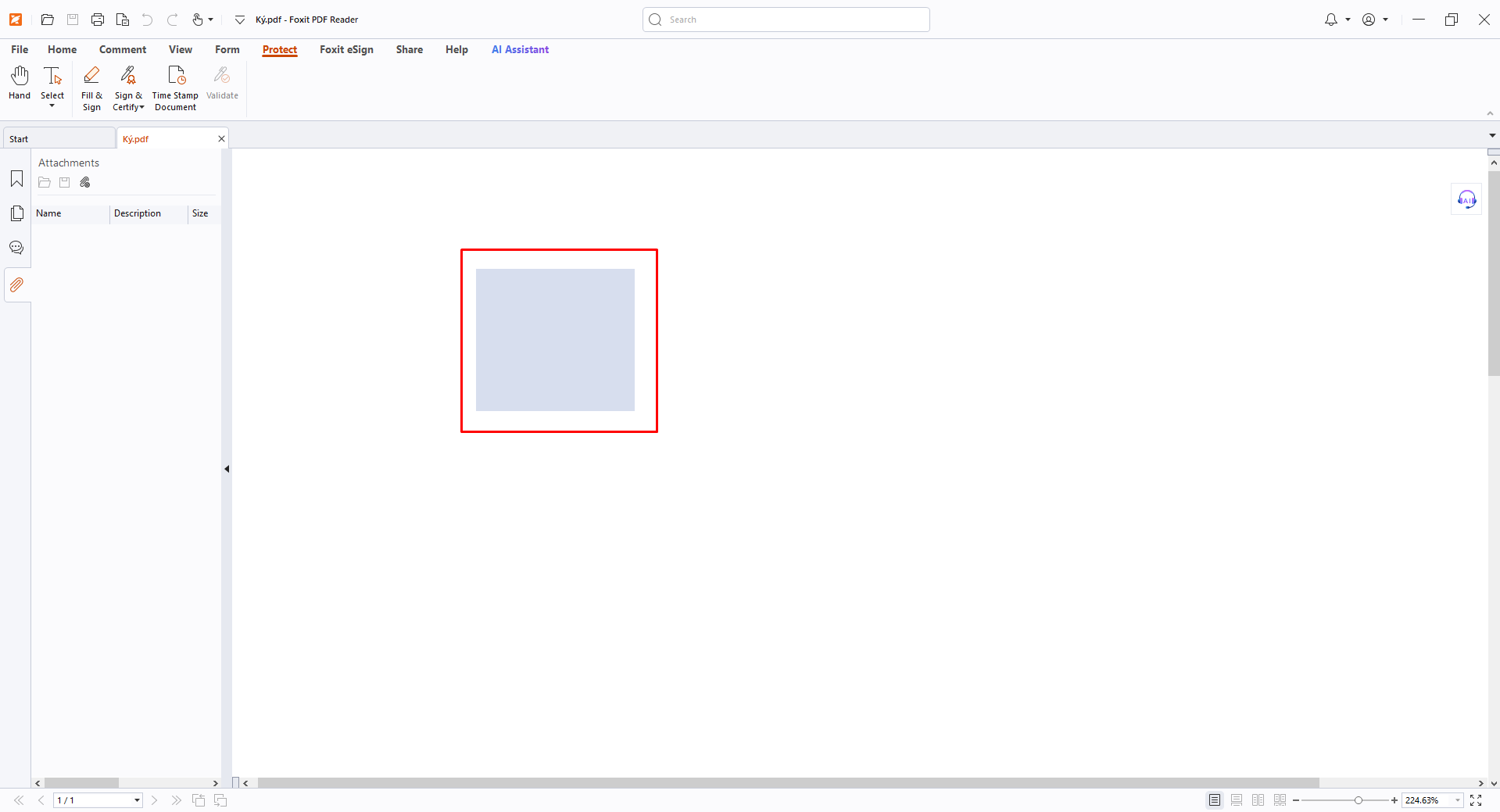
Step 4: Draw the signature area.
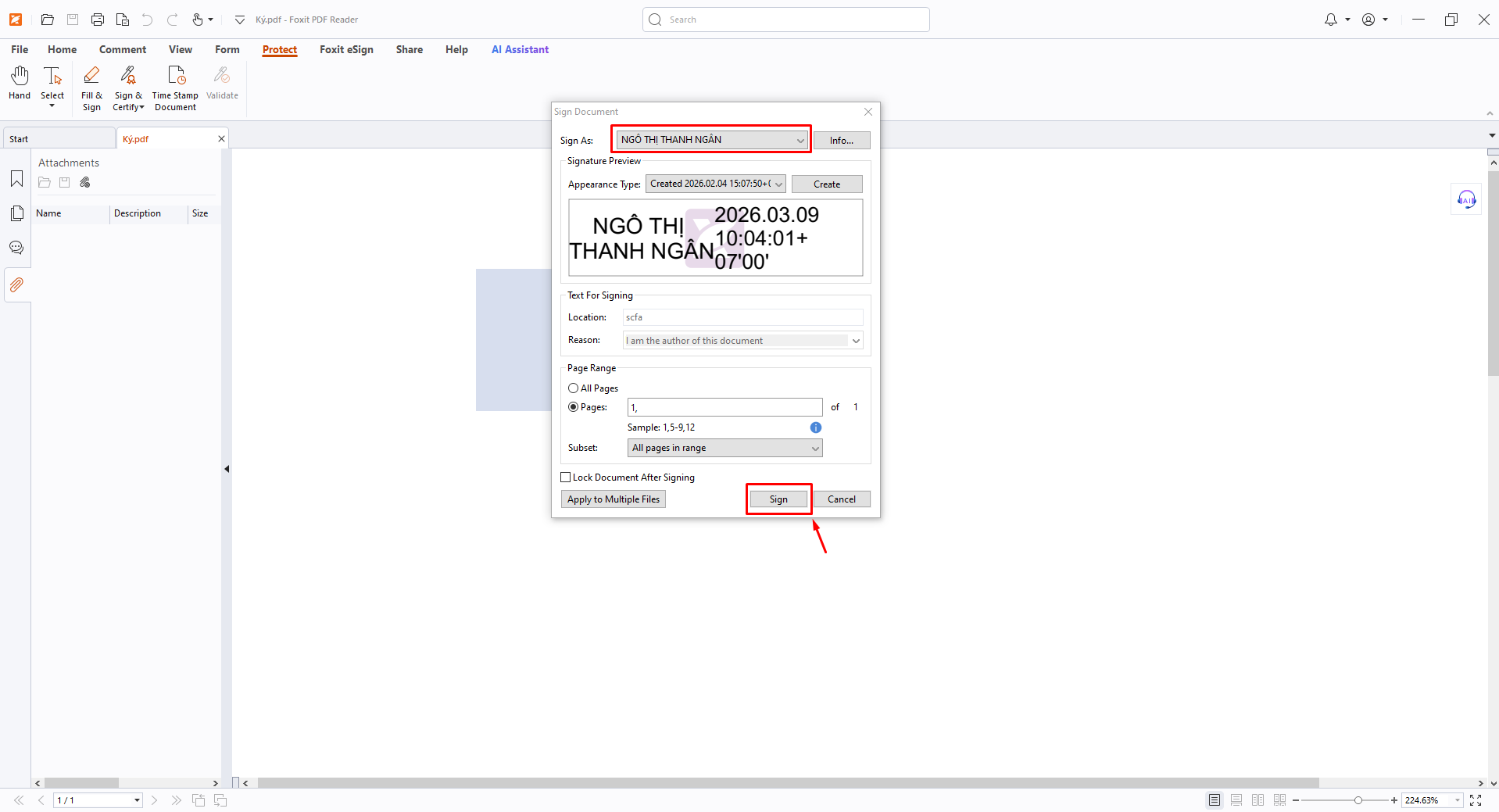
Step 5: Verify certificate → Click Sign.
Step 6: An authentication screen will appear.
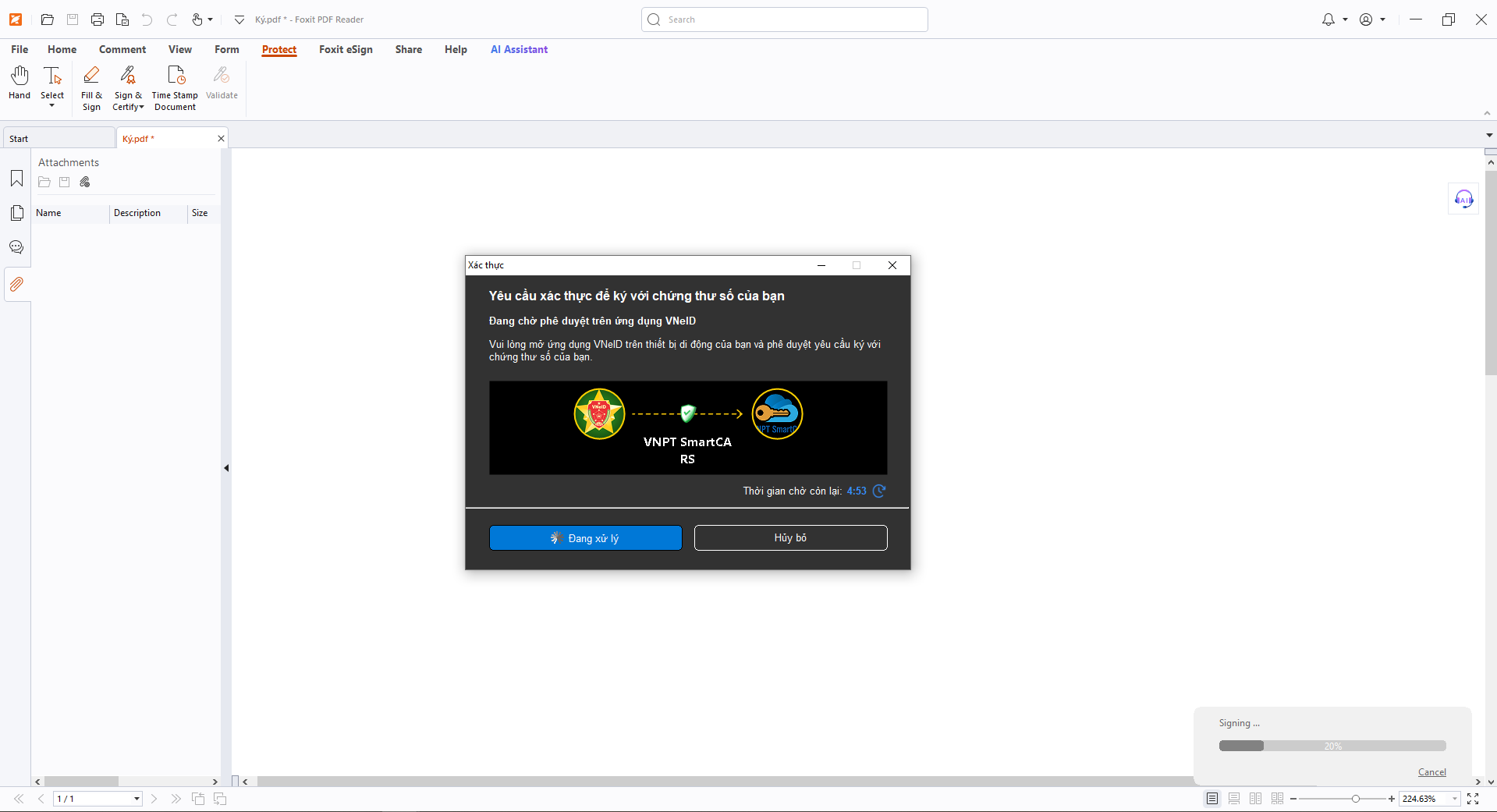
Step 7: Open the VNeID application on your mobile device.
- Go to Notifications → Select Digital signing request.
- Check the information.
- Agree to the terms:
- “I have read and understood the purpose, rights, and obligations...”
- Click Confirm sharing.
- The app displays Information shared successfully.

Step 8: Complete signing
- “Signing completed successfully.”

Double-click the signature.
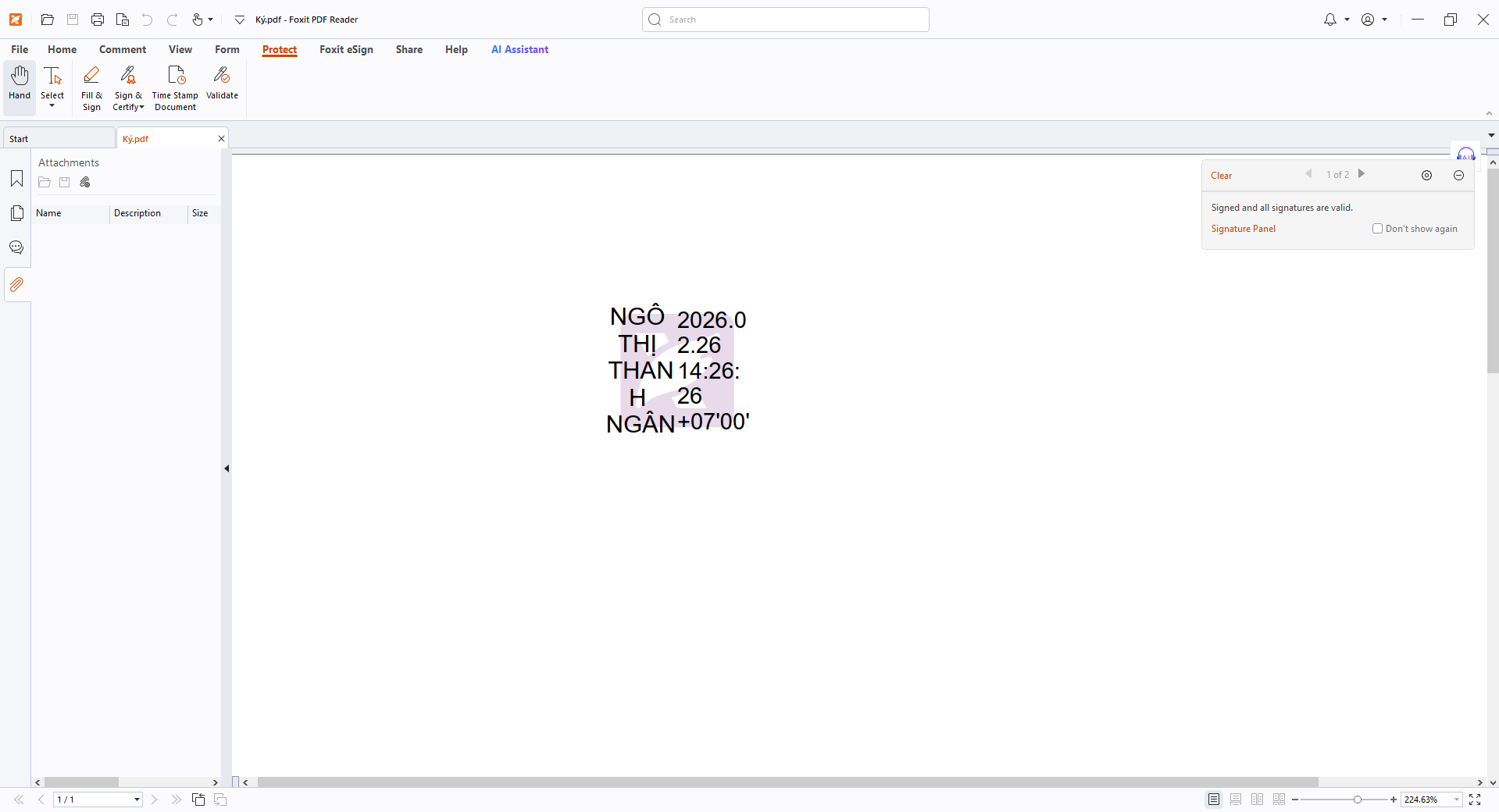
Open Signature Properties.
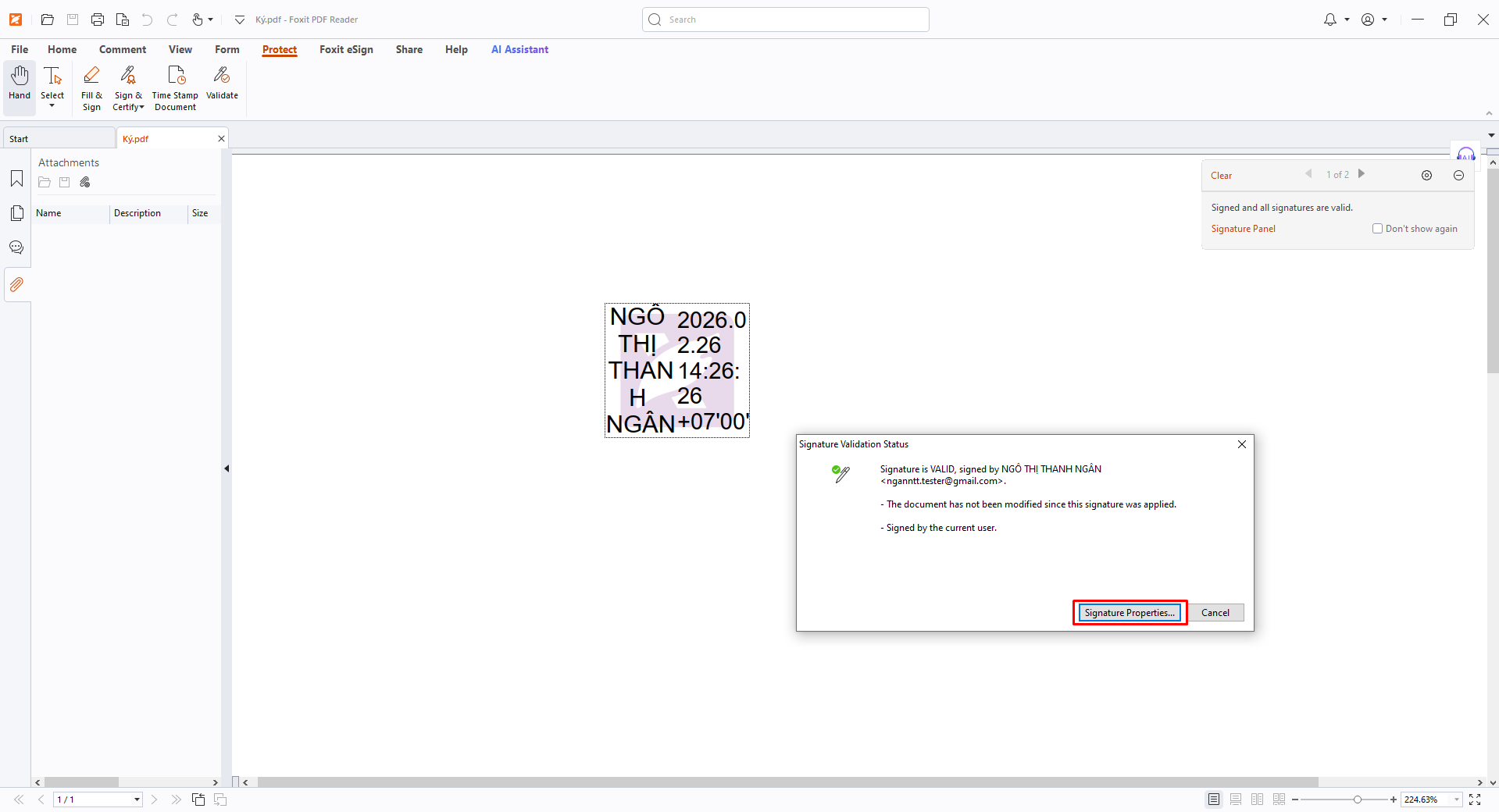
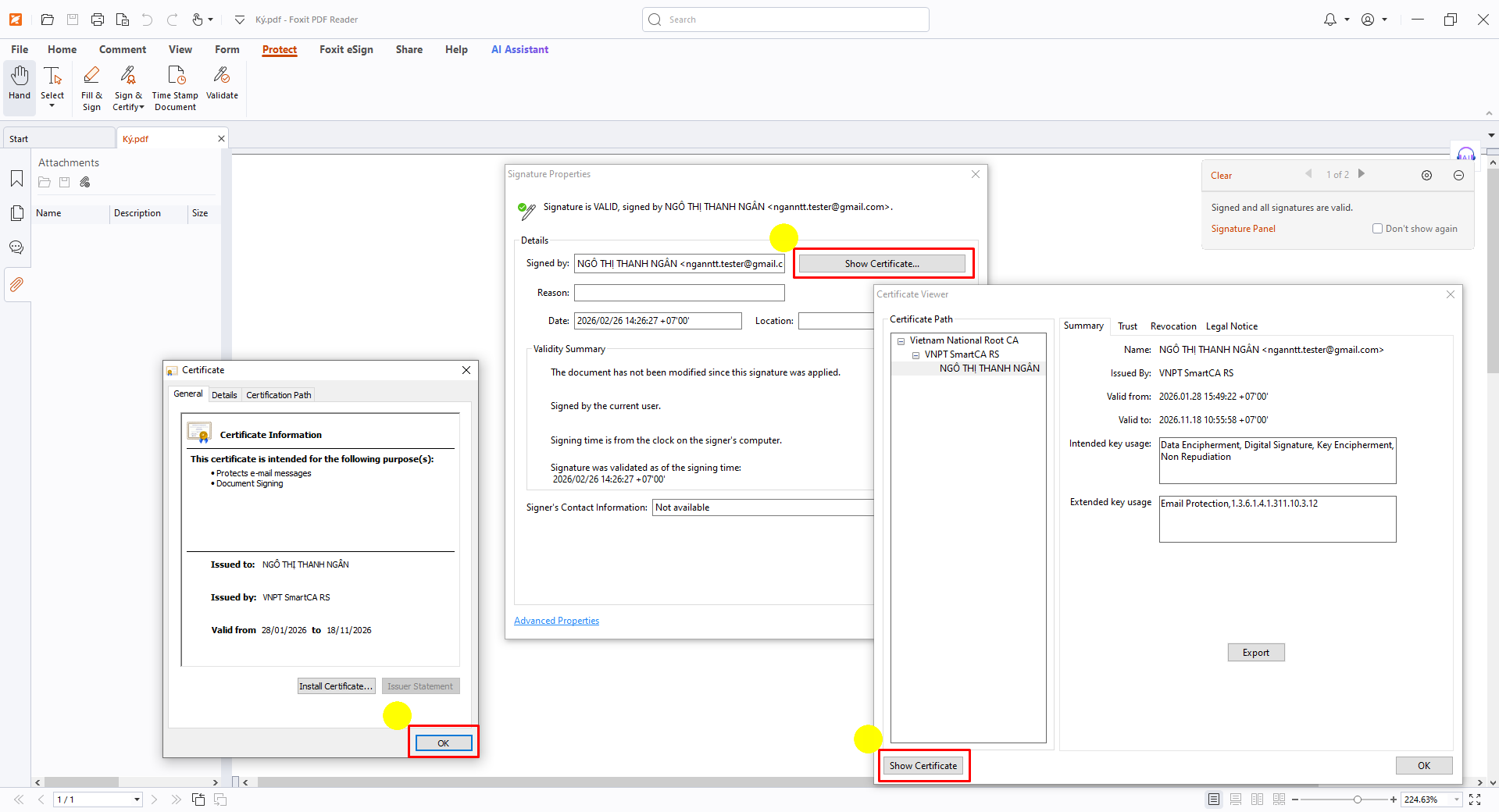
Show Certificate → OK
PreviousSign with Microsoft PowerPoint
NextSign with Acrobat Reader